


1. Click the Start button, and then select Control Panel.
The All Control Panel Items window is displayed.
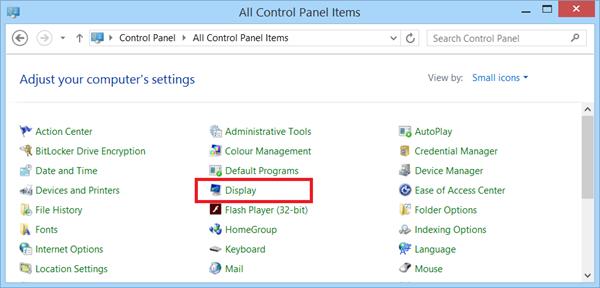
2. Click Display.
Note You can also right-click on your computer Desktop, select Personalize, and then click Display.
The Display window is displayed.
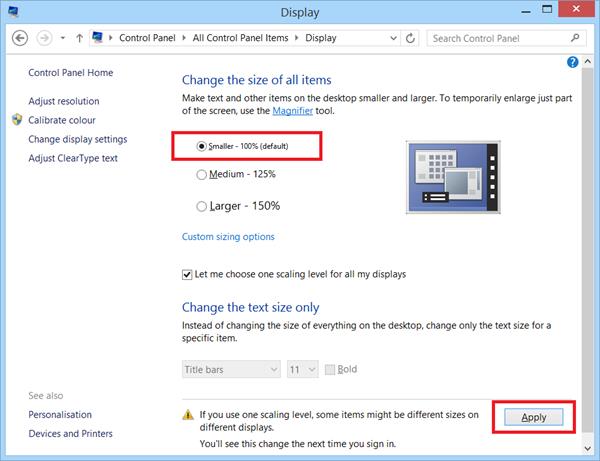
3. Select the Smaller – 100 (default) option, and then click Apply.